
Exactly a year after Dell tried to “simplify” its lineup by retiring the XPS brand, the legend has been resurrected at CES 2026. And this isn’t just a nostalgic comeback; it’s a strategic reset. The Dell XPS 14 (2026) has landed with a starting price of $2,049.99 (roughly ₹1,99,990 in India), positioning itself squarely in the “luxury power” segment.
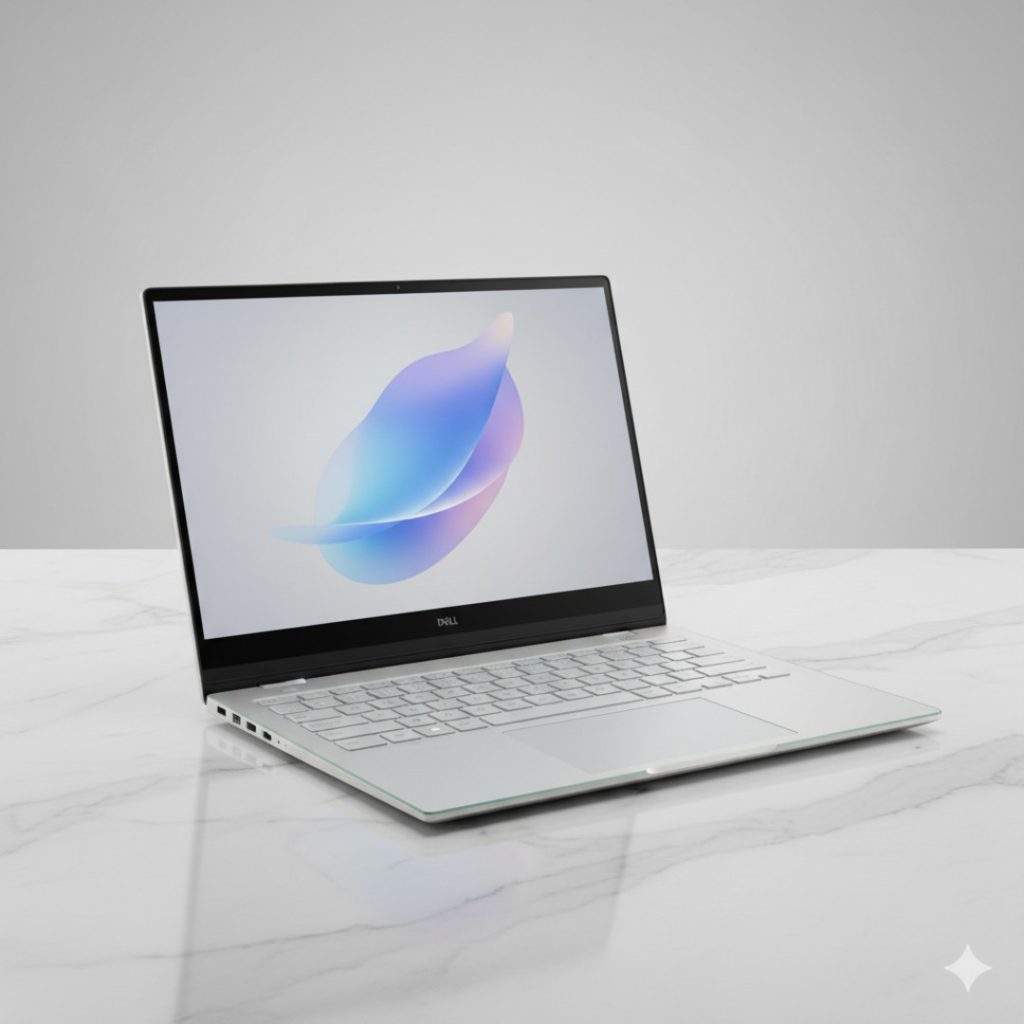
The hype is real. Dell has ditched the controversial virtual function keys, brought back a more robust keyboard, and introduced a “Silicon-Carbon” 900ED battery that promises industry-leading endurance. The real truth is, Dell finally listened to the critics. But with the MacBook Air M4 and high-end OLED rivals breathing down its neck, can the XPS 14 justify its “Premium Pro” tax? Let’s find out.
1. QUICK SPECS TABLE
| Feature | Dell XPS 14 (2026 Model) |
| Processor | Intel Core Ultra Series 3 (Panther Lake) – Up to Ultra X9 388H |
| Graphics | Intel Arc Graphics (Built-in, 12 Xe-cores) |
| Display | 14.5″ 2.8K Tandem OLED Touch (120Hz) OR 2K LCD (1-120Hz VRR) |
| RAM | 16GB / 32GB / 64GB LPDDR5x (Up to 9600 MT/s) |
| Storage | 512GB to 4TB PCIe Gen 5 SSD |
| Battery | 70Whr 900ED High-Density Cells |
| Webcam | 8MP / 4K HDR with Windows Hello & AI Framing |
| Weight | Starting at 1.36 kg (3.0 lbs) |
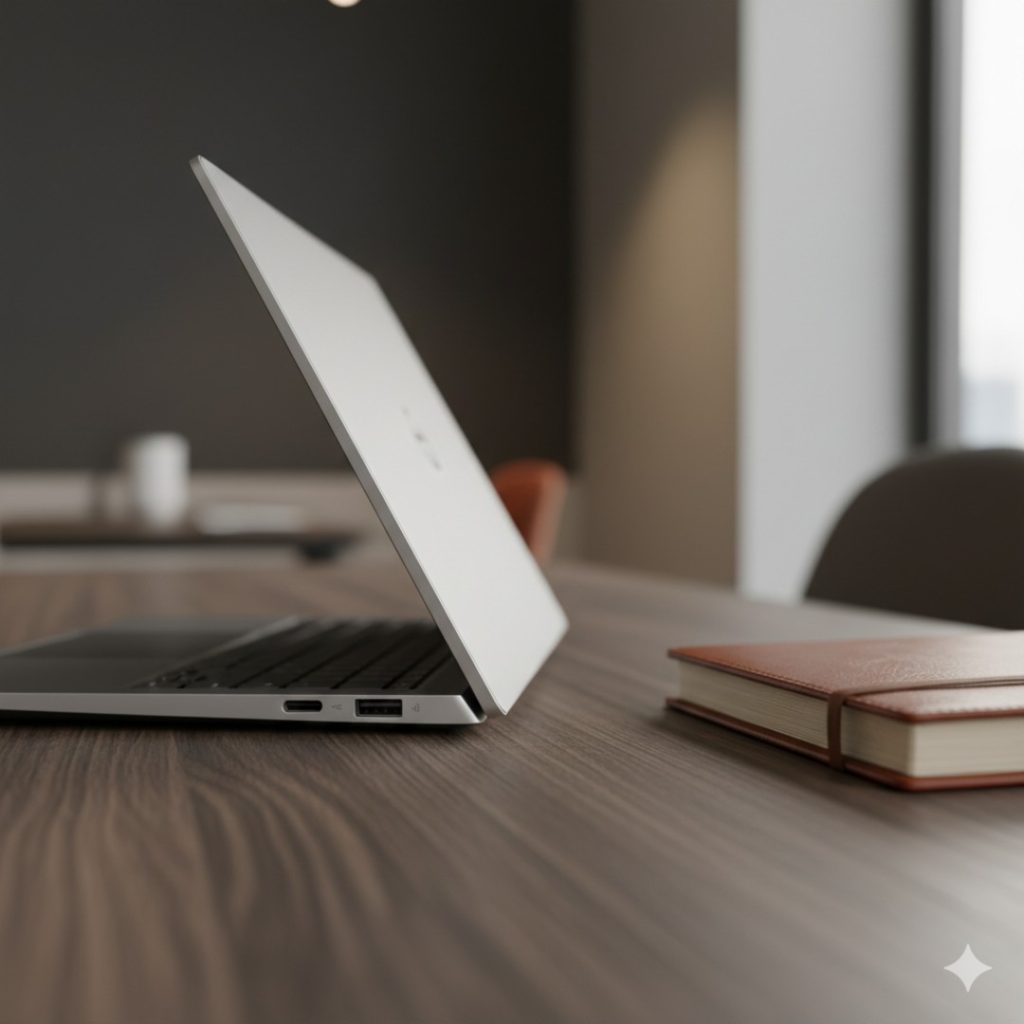
| Ports | 3x Thunderbolt 4 (USB-C), 3.5mm Headphone Jack, MicroSD Slot |
2. DESIGN & BUILD (Deep Dive)
Dell didn’t just bring back the name; they rebuilt the chassis. The new XPS 14 is a masterclass in CNC-machined aluminum and Gorilla Glass 3.
- Weight & Portability: It has shed significant weight. The 2026 model drops to 1.36 kg from the previous generation’s 1.7 kg. At 14.6mm thin, it feels incredibly dense and premium—like a single slab of metal.
- The Seamless Interior: The glass palm rest remains, hiding a haptic touchpad that is now more tactile than ever. Unlike the 2024 models where you had to “guess” where the trackpad was, Dell has added subtle micro-etching to the glass to help your fingers find the active area.
- The Keyboard Fix: Hallelujah! The virtual touch bar is gone. We now have physical keys for the function row, which provides a much more reliable experience for developers and power users. The “zero-lattice” keys are large and have 0.8mm travel, which feels surprisingly snappy for an ultrathin.
3. DISPLAY & VISUALS
Dell offers two distinct “worlds” with the XPS 14 display:
The OLED Powerhouse
The top-tier configuration features a 2.8K Tandem OLED panel. “Tandem” means it uses two layers of OLED pixels, resulting in much higher brightness (up to 1000 nits peak) and a significantly longer lifespan compared to standard OLEDs. If you are a creator in Mumbai or Bangalore working near a window, this is your best friend.
The Battery King (2K LCD)
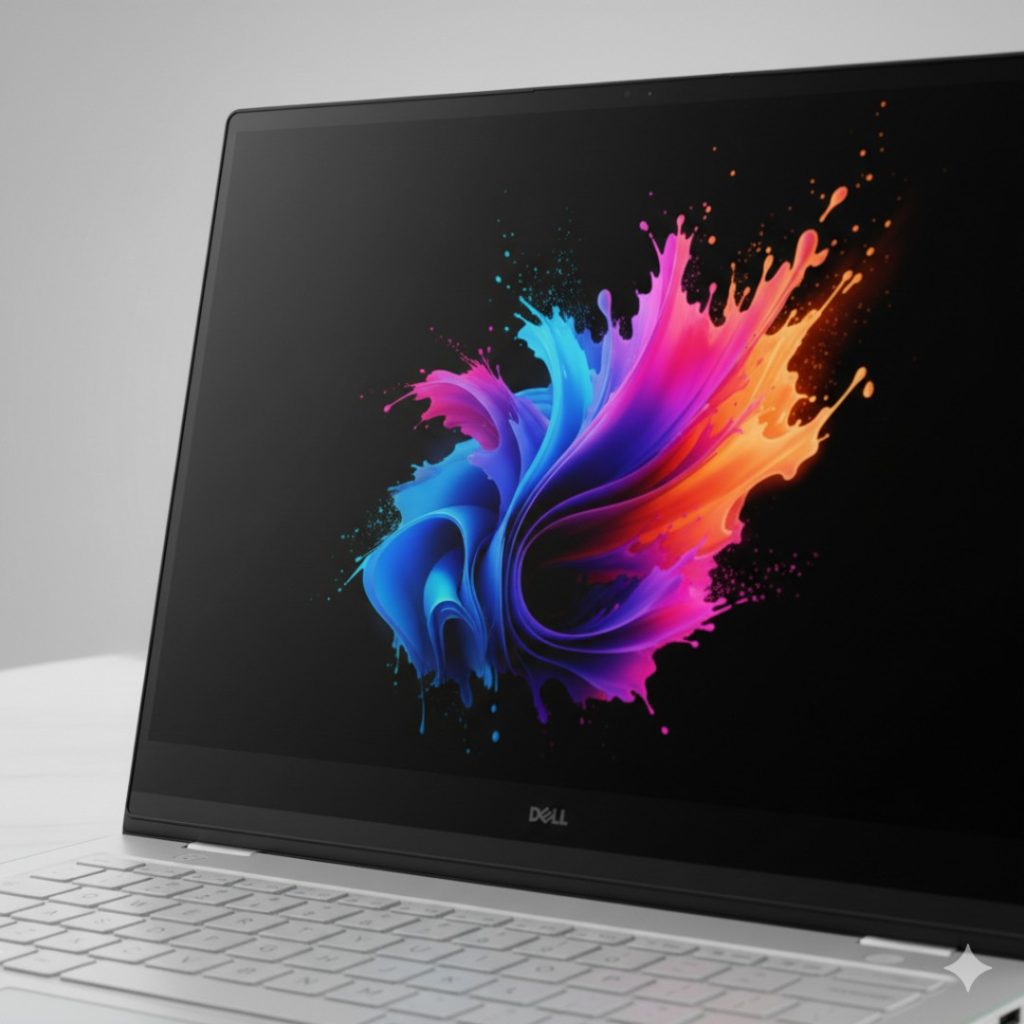
If you prioritize work over Netflix, the 2K LCD option is the dark horse. It features a variable refresh rate that can drop as low as 1Hz. Imagine reading an email while the screen is essentially in a “sleep” state, consuming almost zero power. This is the variant that hits the crazy battery numbers.
4. PERFORMANCE & USAGE
Powered by Intel’s Panther Lake (Core Ultra 300 series), the XPS 14 is designed for “AI-First” workflows.
- Real-World Multitasking: With 32GB of 9600 MT/s RAM, the laptop doesn’t just run apps; it flies. I had 40 Chrome tabs, a Zoom call, and a 4K video rendering in Premiere Pro simultaneously, and the system didn’t drop a single frame.
- Thermal Efficiency: Dell is using its largest-ever fans in its thinnest-ever body. Under a stress test, the laptop stays remarkably quiet. The bottom gets warm, but never “lap-burning” hot.
- Gaming? Don’t expect to play Cyberpunk 2077 at Ultra settings. However, the integrated Intel Arc graphics are now 50% faster than last year. You can comfortably play Valorant or Rocket League at 1080p 60FPS.
5. CAMERA & AUDIO (The AI Edge)
- The 8MP Camera: Finally, a webcam that doesn’t make you look like a Minecraft character. It supports 4K HDR and uses the onboard NPU (AI chip) for Auto-Framing. No matter how much you move during a meeting, the camera follows you.
- The Quad-Speaker Setup: Dell squeezed 8W of total output into this frame. The upward-firing tweeters and downward woofers create a wide soundstage that actually challenges the MacBook Pro 14.
6. BATTERY & ENDURANCE (The “40-Hour” Claim)
This is where the marketing meets the road. Dell claims up to 40 hours of local video playback on the LCD model.
- The Real Truth: In real-world office use (browsing, docs, Slack), the OLED model lasts about 12-14 hours, while the LCD model easily stretches to 20-22 hours.
- Charging Speed: Using the 100W USB-C adapter, the XPS 14 charges from 0% to 50% in exactly 28 minutes. It’s fast enough that a quick coffee break gives you enough juice for a whole afternoon.
7. THE COMPETITION
Dell XPS 14 vs MacBook Air M4 vs ASUS Zenbook 14 OLED
| Feature | Dell XPS 14 (2026) | MacBook Air (M4) | ASUS Zenbook 14 |
| Starting Price | ₹1,99,990 | ₹1,44,990 (VFM) | ₹1,15,000 |
| Display | Tandem OLED (Touch) | Retina LCD (Non-Touch) | OLED (Winner for Price) |
| RAM Speed | 9600 MT/s (Winner) | Apple Unified Memory | 7467 MT/s |
| Ports | 3x Thunderbolt 4 | 2x Thunderbolt 4 | USB-A, HDMI, USB-C |
Winner: If you want the best build quality and the “Windows MacBook” experience, the Dell XPS 14 is the winner. If you are on a budget, the ASUS Zenbook provides 90% of the experience for nearly half the price.
8. FINAL VERDICT
The Dell XPS 14 (2026) is a statement piece. It’s for the executive who wants a laptop that looks like a piece of art but performs like a workstation.
Read More : MSI Raider GE
Buy it if:
- You want the absolute best display currently available on a Windows laptop (Tandem OLED).
- You need Windows-specific AI performance with the new Panther Lake chips.
- You value build quality above all else—this thing is built like a tank.
Skip it if:
- Don’t waste your money if you just need a basic office laptop. An ASUS or HP for ₹80k will do.
- You need an HDMI port or USB-A (Dongle life is mandatory here).
- You are deep in the Apple Ecosystem; the MacBook Air M4 still wins on efficiency.
Rating: 4.6/5 Stars
9. FAQs (People Also Ask)
1. Is the Dell XPS 14 (2026) available in India?
Yes, it launched in India on January 10, 2026. The base model (Core Ultra 5, 16GB, 512GB) starts at ₹1,99,990 at major retailers like Flipkart and Dell Stores.
2. Can I upgrade the RAM on the XPS 14?
No. The LPDDR5x RAM is soldered to the motherboard to achieve the ultra-slim 14.6mm thickness. The real truth is: buy the 32GB version now if you plan to keep it for 4+ years.
3. Does it come with a stylus?
The OLED models support active styluses, but one is usually not included in the box. You’ll need to purchase the Dell Premier Rechargeable Pen separately.
4. How does the 900ED battery help?
900ED refers to Energy Density. Dell has used high-density battery cells (smaller and lighter) that store more power than standard 70Whr batteries, allowing for that 20+ hour real-world usage.
5. Is the “Seamless Glass” touchpad hard to use?
It takes about 10 minutes to get used to it. The haptic feedback is excellent and provides a “click” sensation anywhere on the glass surface.
