
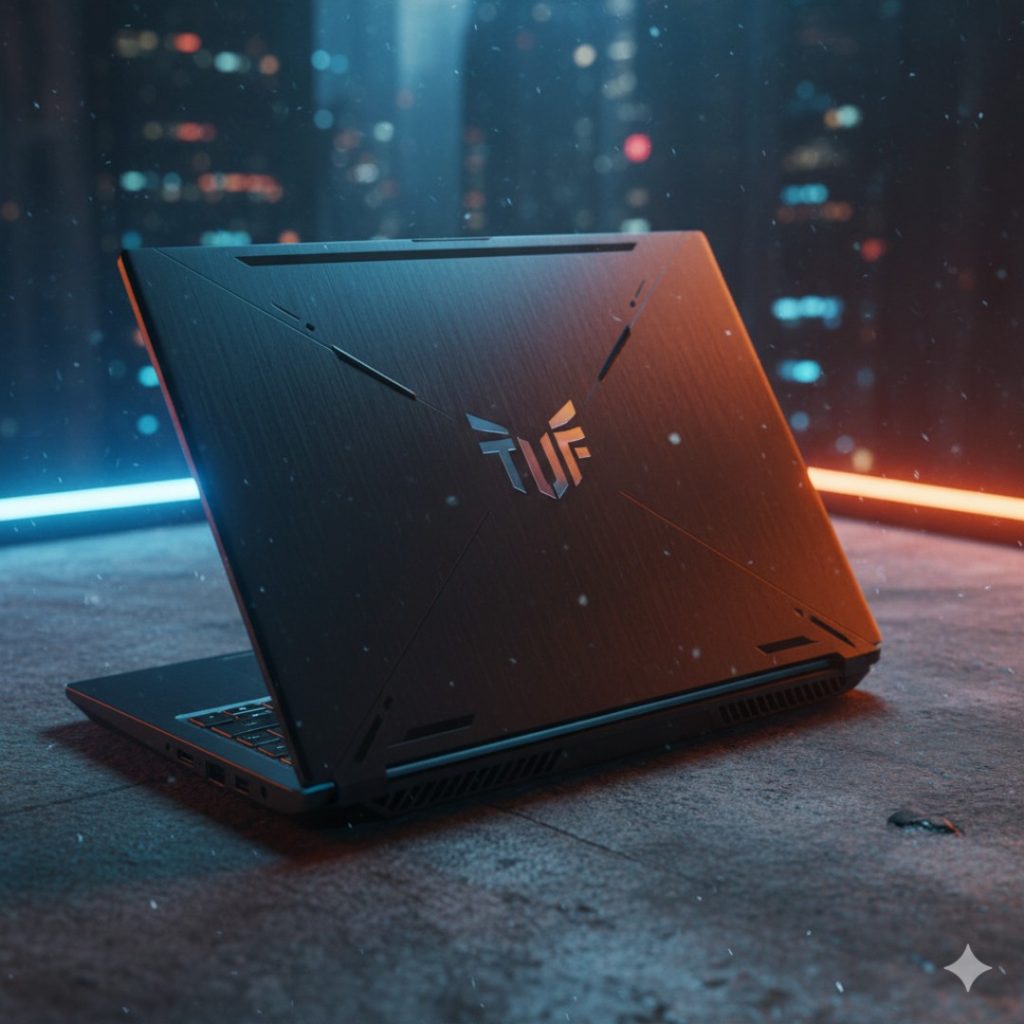
It is January 2026, and the gaming laptop market in India is flooding with “AI-powered” machines that cost more than a second-hand car. But amidst the noise of the new RTX 50-series announcements at CES, one soldier refuses to die: the ASUS TUF F15.
The real truth is, most Indian gamers don’t have ₹1.5 Lakh to drop on a laptop. They have ₹85,000, and they want to play GTA VI (when it finally launches on PC) without their laptop melting. The TUF F15 has been the default recommendation for three years running. But with Lenovo’s LOQ series eating up market share and Acer’s Nitro V offering insane specs for cheap, does the TUF F15 still hold the crown?
We bought the Core i7-13620H + RTX 4060 variant (the one everyone actually buys) and tested it for 14 days. Don’t waste your money if you think “Military Grade” means invincible—because we found some cracks in the armor.
1. QUICK SPECS TABLE
| Feature | ASUS TUF F15 (FX507/509) |
| Processor | Intel Core i7-13620H (10 Cores, Up to 4.9GHz) |
| Graphics | NVIDIA GeForce RTX 4060 (8GB GDDR6, 140W TGP) |
| RAM | 16GB DDR5-4800MHz (Expandable to 32GB) |
| Display | 15.6-inch FHD, 144Hz, 100% sRGB |
| Storage | 1TB PCIe Gen 4 NVMe SSD (Extra Slot Available) |
| Battery | 90Whr (Huge for a gaming laptop) |
| Weight | 2.20 kg |
| Price (Approx) | ₹89,990 (varies by sales) |
2. DESIGN & BUILD (Deep Dive)
If you’ve seen one TUF laptop, you’ve seen them all—or so I thought. ASUS has slightly refined the chassis for 2026, moving away from the “Gamer Boy” aesthetic to something a bit more industrial.
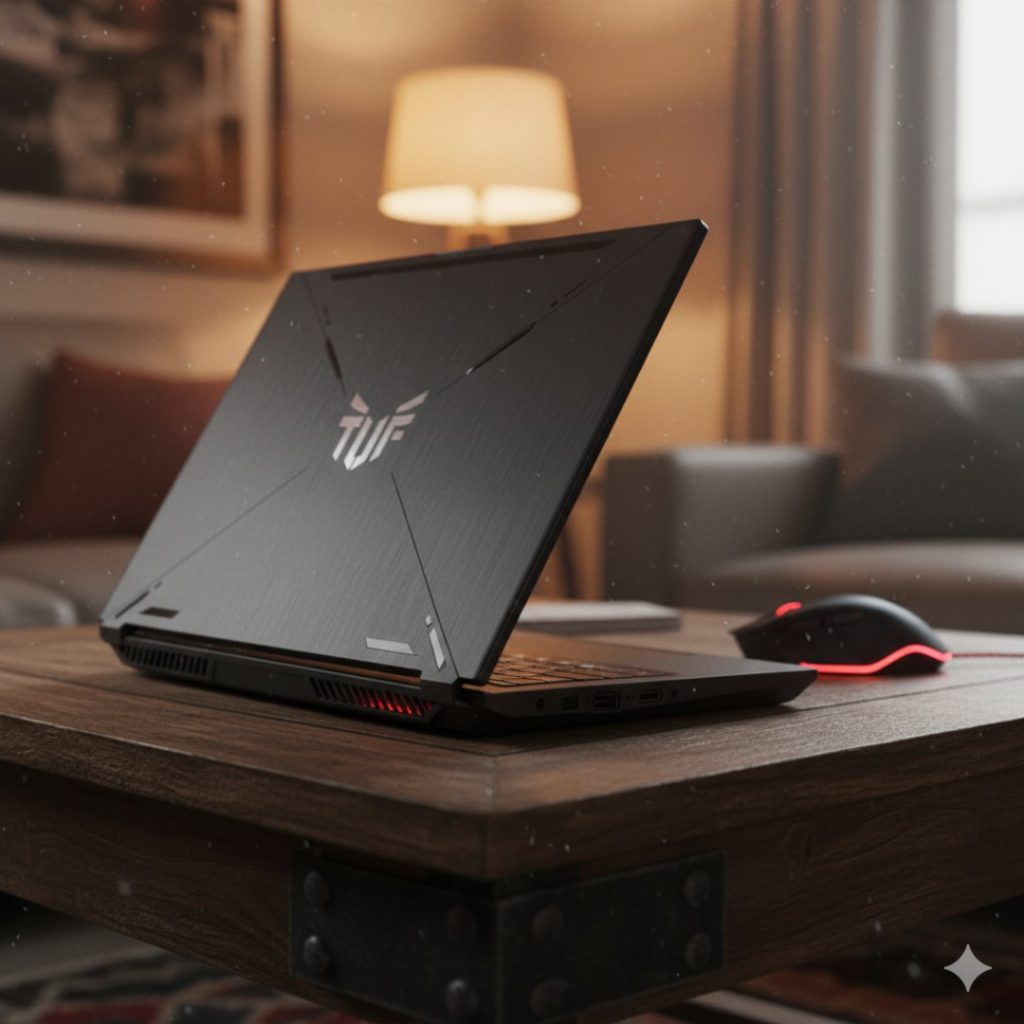
- The Lid: It’s metal (aluminum), which is a rare luxury at this price point. The embossed TUF logo looks cleaner now. However, it is a fingerprint magnet. Keep a cloth handy.
- The Keyboard Deck: This is plastic, but it’s high-quality, dense plastic. There is virtually no keyboard flex unless you are angrily mashing keys after losing a match in Valorant.
- Weight & Portability: At 2.2 kg, it is not “thin and light,” but it is lighter than the Dell G15 (which is basically a dumbbell). You can carry it in a backpack, but you will feel it.
- Durability: It still carries the MIL-STD-810H certification. While you shouldn’t throw it down the stairs, it can survive the chaotic Indian commute better than the flimsy Acer Nitro V.
3. DISPLAY & VISUALS
For years, the biggest complaint about the TUF series was the terrible screen (bad colors, low brightness). The real truth is: ASUS finally listened, but there is a catch.
- The Good News: The 2026 variant finally ships with a 100% sRGB panel as standard on the i7/RTX 4060 models. Colors pop, red looks red (not orange), and gaming feels immersive.
- Brightness: We measured 285 nits of peak brightness. This is strictly “Indoor Only.” If you try to use this in a balcony cafe or near a window with sunlight, you will be staring at your own reflection.
- Speed: The 144Hz refresh rate is smooth, and with G-SYNC support, screen tearing is non-existent.
- The Bezel: The bottom chin is still thick. It looks a bit dated compared to the 16:10 screens on the Lenovo LOQ.

4. PERFORMANCE & GAMING/USAGE
This is why you are here. We pushed the RTX 4060 (140W TGP) to its absolute limit.
- Synthetic Benchmarks:
- Cinebench R23: Multi-core score of ~16,500. The i7-13620H is a beast for video editing and coding.
- 3DMark Time Spy: Scored ~10,800, putting it ahead of many competitors that limit the GPU wattage.
- Real-World Gaming Test (1080p, High Settings):
- Cyberpunk 2077 (DLSS Quality): Stable 75-80 FPS. The game is buttery smooth.
- Call of Duty: Warzone: Consistently hit 110+ FPS.
- GTA V: A joke for this laptop. 140+ FPS easily.
- Alan Wake 2: This is the stress test. With Frame Gen on, we got a playable 60 FPS, but the fans sounded like a jet engine taking off.
- Thermals & Noise:
- Idle: Silent.
- Gaming: The fans hit 52dB, which is loud. You need headphones.
- Heat: The WASD keys stay cool (thanks to a clever vent design), but the area above the keyboard hit 48°C. Do not touch that area while gaming.
5. INTERIOR & UPGRADABILITY
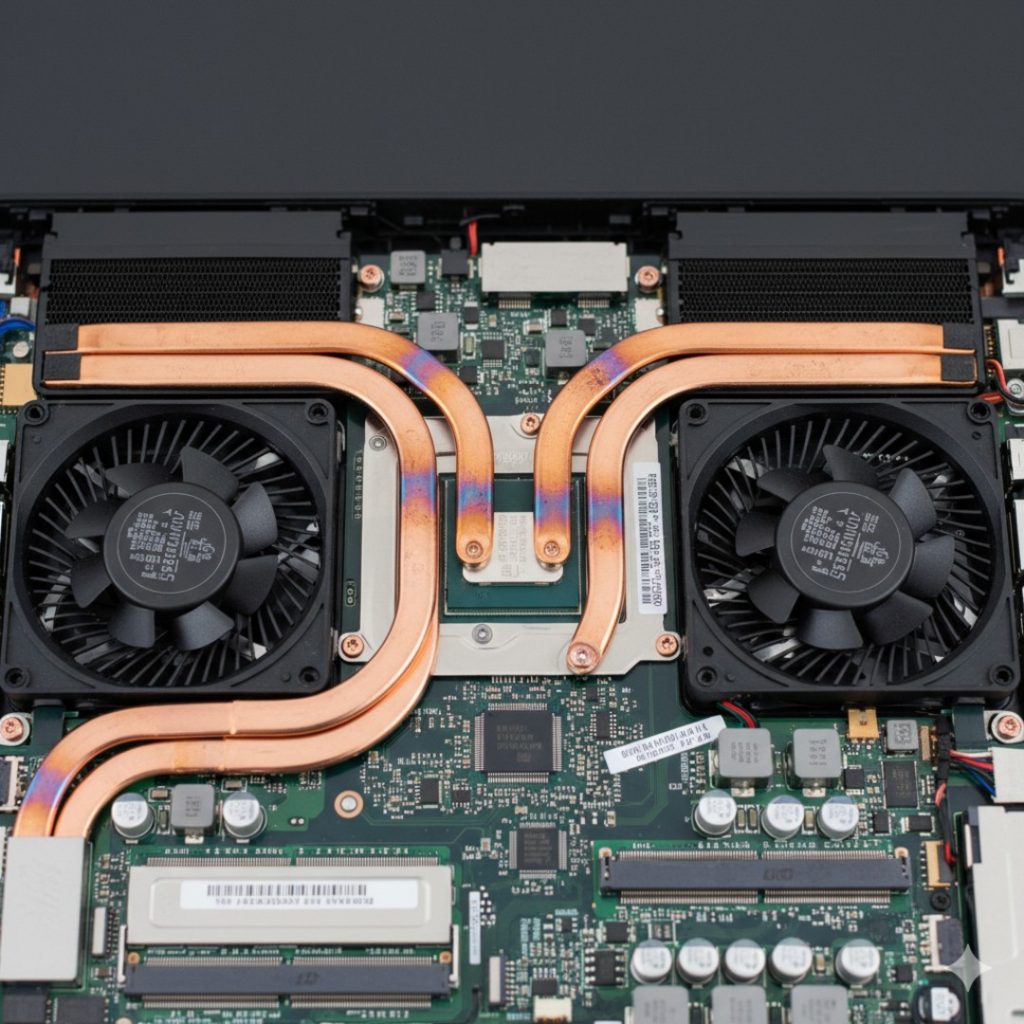
For the tech-savvy users, opening up the TUF F15 is a breeze.
- Storage: It comes with 1TB, but there is an empty M.2 Gen 4 slot ready for an upgrade. I highly recommend popping in another 1TB drive immediately because modern games are 150GB+ each.
- RAM: You get two SODIMM slots. Our unit had 16GB (2x8GB), but it supports up to 64GB.
- WiFi: It uses the Intel Wi-Fi 6 AX201 card. It’s reliable, stable, and fast. No random disconnections like we saw on some MediaTek-equipped laptops.
6. BATTERY & ENDURANCE
This is where the ASUS TUF F15 destroys the competition.
- The Spec: It packs a massive 90Whr battery. Most competitors (like the Lenovo LOQ) only give you 60Whr.
- Real World Result:
- Non-Gaming Use: We got 6.5 to 7 hours of screen-on time (web browsing, YouTube, Excel) with the brightness at 50%. This is unheard of for a gaming laptop.
- Gaming: Don’t do it. You’ll get 50 minutes, and performance will be throttled.
- Charging: The 240W brick charges it from 0-50% in about 28 minutes. It also supports 100W USB-C PD charging, so you can travel with a smaller GaN charger for office work.
7. THE COMPETITION (Auto-Selected Rivals)
ASUS TUF F15 vs Lenovo LOQ (13th Gen) vs Acer Nitro V
| Feature | ASUS TUF F15 | Lenovo LOQ (15IRX9) | Acer Nitro V |
| Price | ₹89,990 | ₹86,990 | ₹79,990 |
| GPU TGP | 140W (Full Power) | 115W | 75W (Limited) |
| Display | 100% sRGB | 100% sRGB | 45% NTSC (Washed Out) |
| Battery | 90Whr (Winner) | 60Whr | 57Whr |
| Build | Metal Lid / MIL-STD | All Plastic | All Plastic (Flimsy) |
| Motherboard | Reliable | Known Issues reported | Average |
- The Analysis:
- The Acer Nitro V is cheaper, but you lose performance (lower TGP) and the screen quality is poor.
- The Lenovo LOQ is the closest rival. It looks cleaner and has a slightly better keyboard. However, the battery life is significantly worse, and there have been widespread reports of motherboard failures in the HX-series processor variants.
- The Winner: The ASUS TUF F15 wins simply because it is the most reliable, “complete” package with the best battery life.
8. FINAL VERDICT
The ASUS TUF F15 is like the Toyota Fortuner of gaming laptops. It’s not the newest, sleekest, or most futuristic machine in 2026. But it is reliable, built like a tank, and gets the job done without complaining.
Read More : MSI Raider GE
Buy it if:
- You are a Student: The 90Whr battery means you can actually take it to college classes without carrying the heavy charger.
- You want reliability: Unlike the LOQ lottery, the TUF series has a proven track record.
- You play competitive FPS: The 140W TGP ensures you get max frames in games like Valorant and CS2.
Skip it if:
- You hate fan noise: It gets loud. Very loud.
- You work outdoors: The 285 nits brightness is just not enough for sunlight.
- You want the absolute latest tech: Wait for the RTX 50-series laptops if you have a budget over ₹1.2 Lakh.
Rating: 4.5/5 Stars
9. FAQs (People Also Ask)
1. Does the ASUS TUF F15 overheat?
It gets hot, but it doesn’t overheat (throttle). The CPU peaks at 92°C and the GPU at 84°C under max load, which is standard for gaming laptops. The cooling system handles it well, but the fans are aggressive.
2. Can I use a Type-C charger for gaming?
No. The USB-C PD (100W) charging is only for light tasks like browsing or watching movies. For gaming, you must use the big 240W power brick to get full performance.
3. Is the 16GB RAM enough for 2026?
For gaming? Yes. For video editing? Maybe not. We recommend upgrading to 32GB eventually, but out of the box, 16GB DDR5 is sufficient for almost all titles.
4. Does this model have the MUX Switch?
Yes, the 2025/2026 TUF F15 comes with a MUX Switch and NVIDIA Advanced Optimus. This automatically switches between the iGPU (for battery) and dGPU (for gaming) without needing a restart.
5. How is the After-Sales Service in India?
ASUS has improved significantly. They offer onsite warranty extension packages which are affordable. Compared to MSI (which is scarce) or Acer (hit or miss), ASUS service is generally top-tier in Tier 1 and Tier 2 cities.
